

Blog
How to Choose a CNC Router for Your Shop Workflow

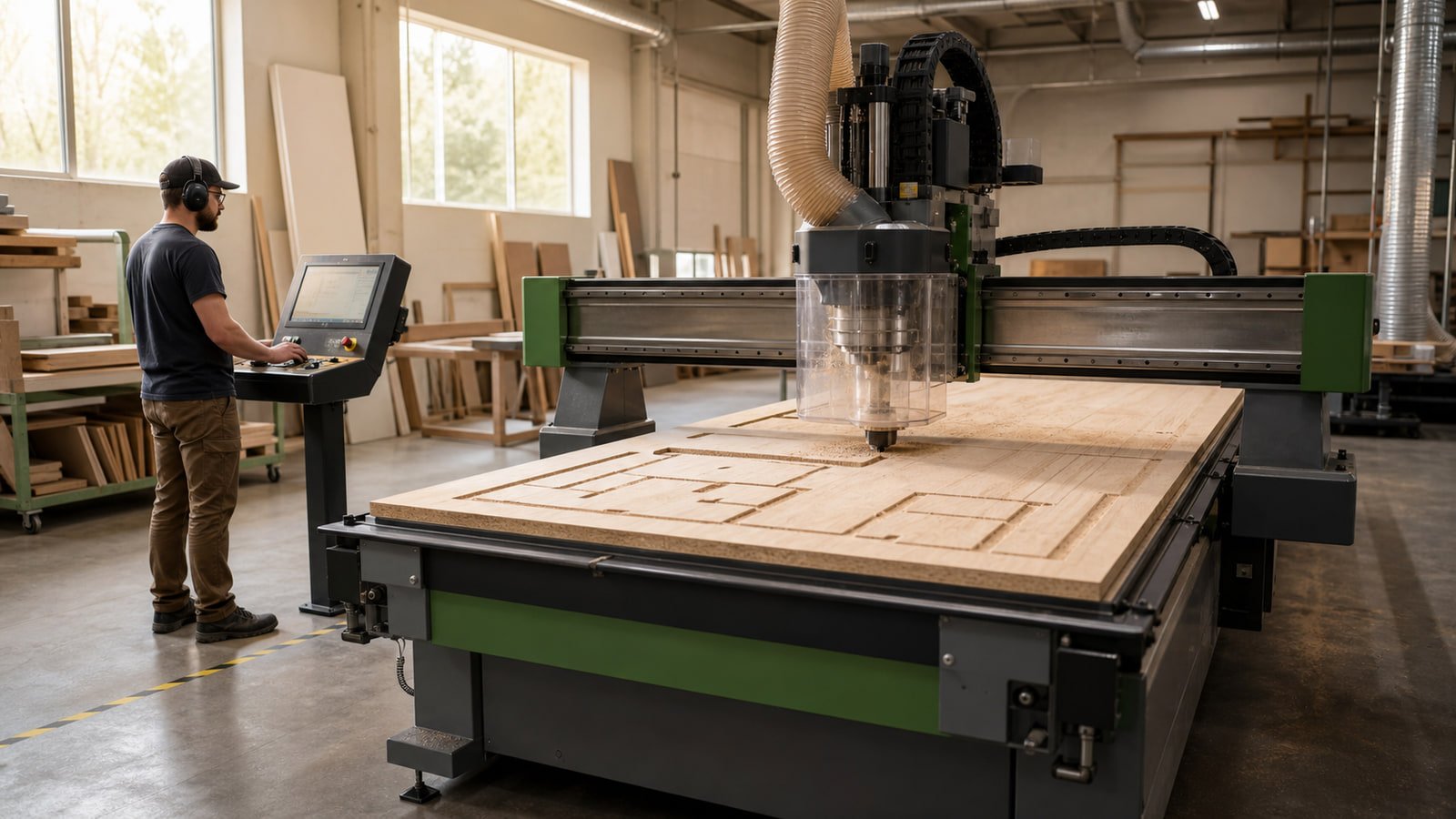
CNC Planning
How to Choose a CNC Router for Your Shop Workflow
Compare a CNC router by the parts, materials, workholding, tooling, software, utilities, floor space, and support your production process actually requires.
A CNC router should fit a defined production process. Machine size and spindle power matter, but neither tells you whether a system can hold your material reliably, run the tools your parts require, fit the building, or work with the files your team produces.
Start with the part, then work outward. A clear description of your materials, operations, volume, and shop conditions will make every later comparison more useful.
Define the work before the machine
List the parts you expect the CNC router to produce. For each part family, record:
- Material type and thickness
- Finished length and width
- Whether the work begins as full sheets, blanks, or solid stock
- Through-cuts, pockets, grooves, drilling, profiling, engraving, or other operations
- Edge-quality and dimensional requirements
- Typical batch size and frequency of changeovers
- Whether parts need machining on more than one face
Separate everyday work from the occasional maximum. A machine built around one unusually large part may add cost and floor-space requirements to every normal job. If oversized work occurs rarely, compare the cost of outsourcing it with the cost of designing the entire cell around it.
Compare the usable work envelope
Published table dimensions do not always equal the usable machining area. Confirm the actual travel on each axis and ask how tool length, fixtures, aggregate heads, clamps, and machine structures affect the available envelope.
Also consider material loading. Full-sheet processing, small nested parts, solid-wood components, and fixture-based work can require different table arrangements. If longer parts may be indexed or repositioned, verify the approved method and the controls used to maintain alignment.
The working footprint extends beyond the machine frame. Include loading and unloading space, control-station access, tooling changes, maintenance panels, dust ducting, electrical equipment, pumps, safety systems, and material staging.
Match the spindle and tooling system to the operations
Do not compare spindle ratings alone. Review the complete cutting system:
- Spindle speed range and manufacturer-approved tooling limits
- Tool-holder format and availability
- Collet and holder requirements
- Manual tool change or automatic tool changer
- Number and type of tools required for a normal job
- Drill blocks, saw units, aggregate heads, or other options, when applicable
- Tool-length measurement and setup procedure
Tool diameter, material, depth of cut, toolpath, chip load, and feed strategy all affect the process. Use tooling recommendations from the machine and tooling manufacturers. When automatic tool changing is important, map one representative job and confirm that the available positions support it without unnecessary interruptions.
Choose a workholding approach
The machine cannot produce a stable result if the workpiece moves. Common workholding approaches include vacuum tables, spoilboards, pods, mechanical clamps, dedicated fixtures, or combinations of these systems.
Ask how the proposed method handles:
- Full sheets and small nested parts
- Porous or bowed material
- Narrow components and irregular shapes
- Through-cutting without damaging the table or fixture
- Part removal and spoilboard maintenance
- Repeated location after a flip or secondary operation
A vacuum-based system must be considered as a whole. Table design, spoilboard condition, gasket placement, pump capacity, leakage, part geometry, and cutting strategy all influence hold-down. Confirm the pump, plumbing, filtration, electrical load, and maintenance included with the exact configuration.
Review controls, software, and file flow
Ask how a drawing becomes a machine-ready program. The answer may involve CAD, CAM, nesting software, post-processing, tool libraries, labeling, barcode workflows, or connections to other production systems.
Confirm:
- Supported file types and the required software licenses
- Whether a suitable post-processor is included or separately developed
- How tooling data, materials, and feeds are managed
- How programs are transferred, stored, backed up, and revised
- Whether the operator can simulate or review a job before cutting
- Which computer, network, and operating-system requirements apply
- What training and documentation are available for the purchased configuration
Use one of your own representative files during the evaluation when possible. A demonstration part can expose questions that do not appear in a specification sheet.
Plan dust collection and supporting utilities
CNC routing can produce chips and fine dust across a moving work area. Review the hood design, connection sizes, and extraction requirements stated by the manufacturer. A qualified dust-control professional should evaluate collector capacity, duct losses, simultaneous machine use, filtration or discharge, combustible-dust considerations, and makeup air where applicable.
Record every other utility required by the complete system:
- Supply voltage, phase, frequency, current, and disconnect requirements
- Compressed-air pressure, volume, and quality
- Vacuum-pump electrical and ventilation needs
- Network or data connection
- Ambient temperature or environmental limitations
- Foundation, anchoring, and floor requirements
Have qualified professionals verify the proposed site against current manufacturer instructions and applicable requirements before delivery.
Evaluate material flow and labor
Map how raw material reaches the CNC, how parts are identified after cutting, and where they go next. Consider carts, lifts, roller supports, labeling, offcut handling, waste removal, and the space needed to separate finished components.
If the machine is expected to reduce a bottleneck, measure the entire process rather than the cutting cycle alone. Loading, unloading, tool changes, programming, inspection, sorting, and downstream operations can determine the actual pace of work.
Compare the complete delivered configuration
Request an itemized description of what is included. Check the machine, control, software, tooling interfaces, vacuum equipment, dust hood, safety equipment, manuals, installation requirements, training scope, and recommended startup supplies.
Then identify anything that remains the buyer’s responsibility, including electrical work, air piping, dust ducting, network access, foundations, unloading, rigging, tooling, spoilboards, fixtures, and material-handling equipment. Final delivery and service scope should be documented in the accepted written order or quotation.
Information to include in a CNC equipment request
Prepare the following before comparing models:
- Representative part drawings or photos
- Material types and thicknesses
- Routine and maximum part dimensions
- Required machining operations
- Typical batch sizes and production frequency
- Current design and production software
- Available electrical, air, and dust-collection information
- Floor-plan and access constraints
- Preferred loading and unloading method
- Target schedule and any open technical questions
The goal is not to find the CNC router with the longest feature list. It is to build a complete cell that fits the work, the people, and the site.
Discuss Your CNC Requirements
Share the machine, material, application, utilities, and site details that matter to your project.
Discuss Your CNC RequirementsRelated Reading
More Machinery Guidance
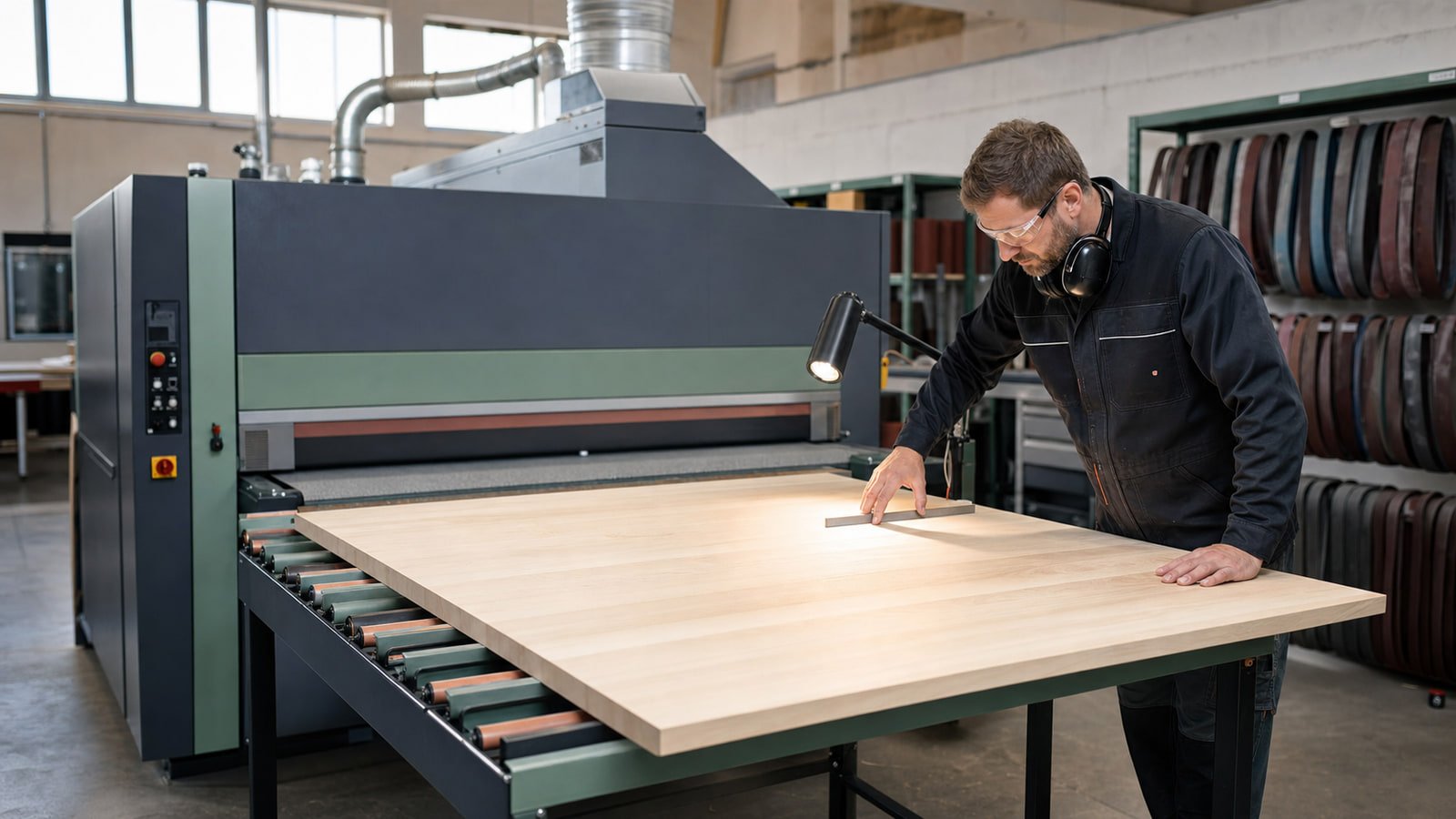
Wide-Belt, Drum, Edge, or Spindle Sander? Choosing the Right Sanding Machine
Start with the surface, shape, stock-removal goal, and production flow to determine which sanding-machine format belongs in your shop.
Read guide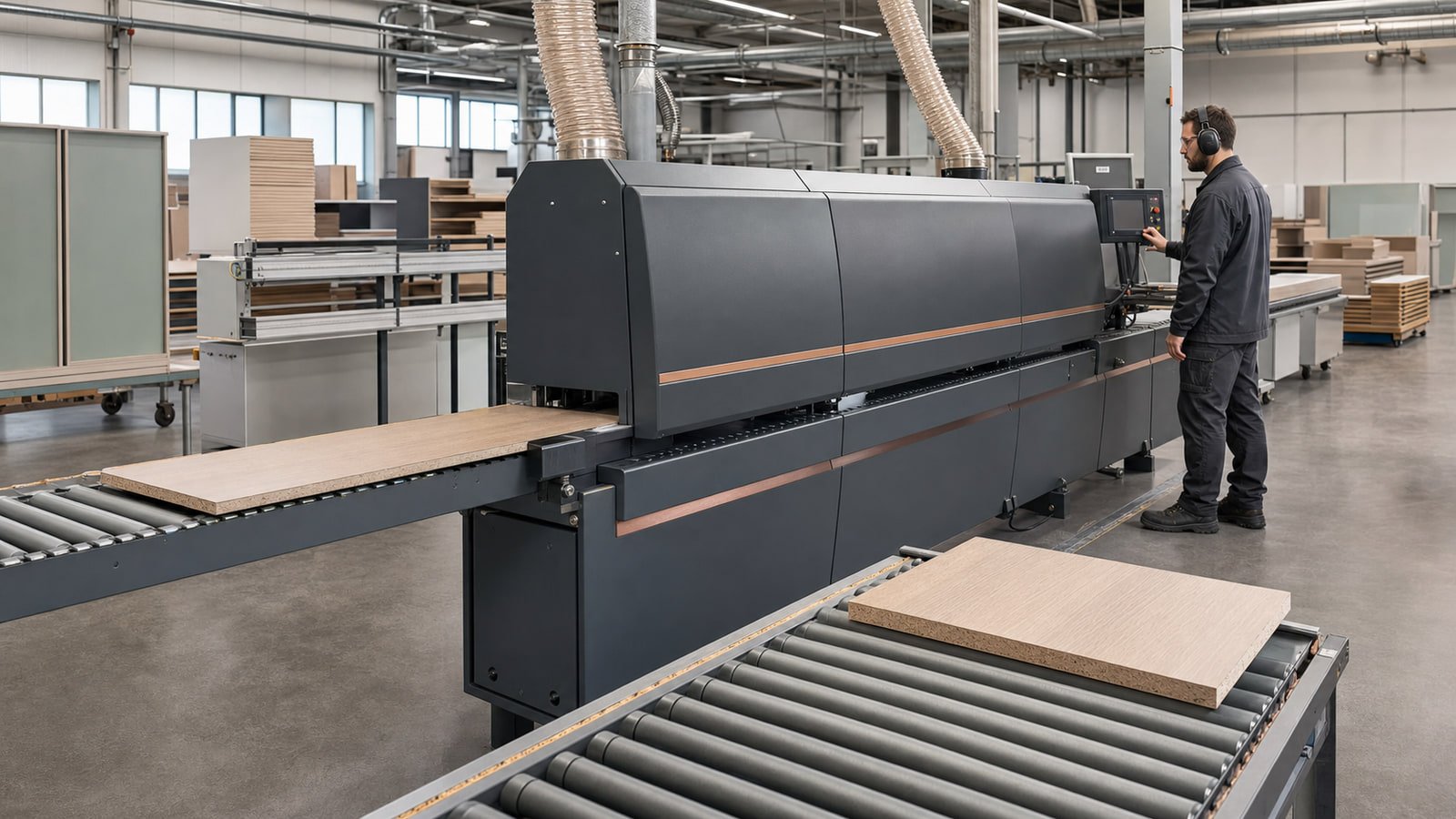
What to Compare Before Buying an Edgebander
Define your panels, edge materials, finish standard, production pace, utilities, and maintenance plan before comparing edgebander configurations.
Read guide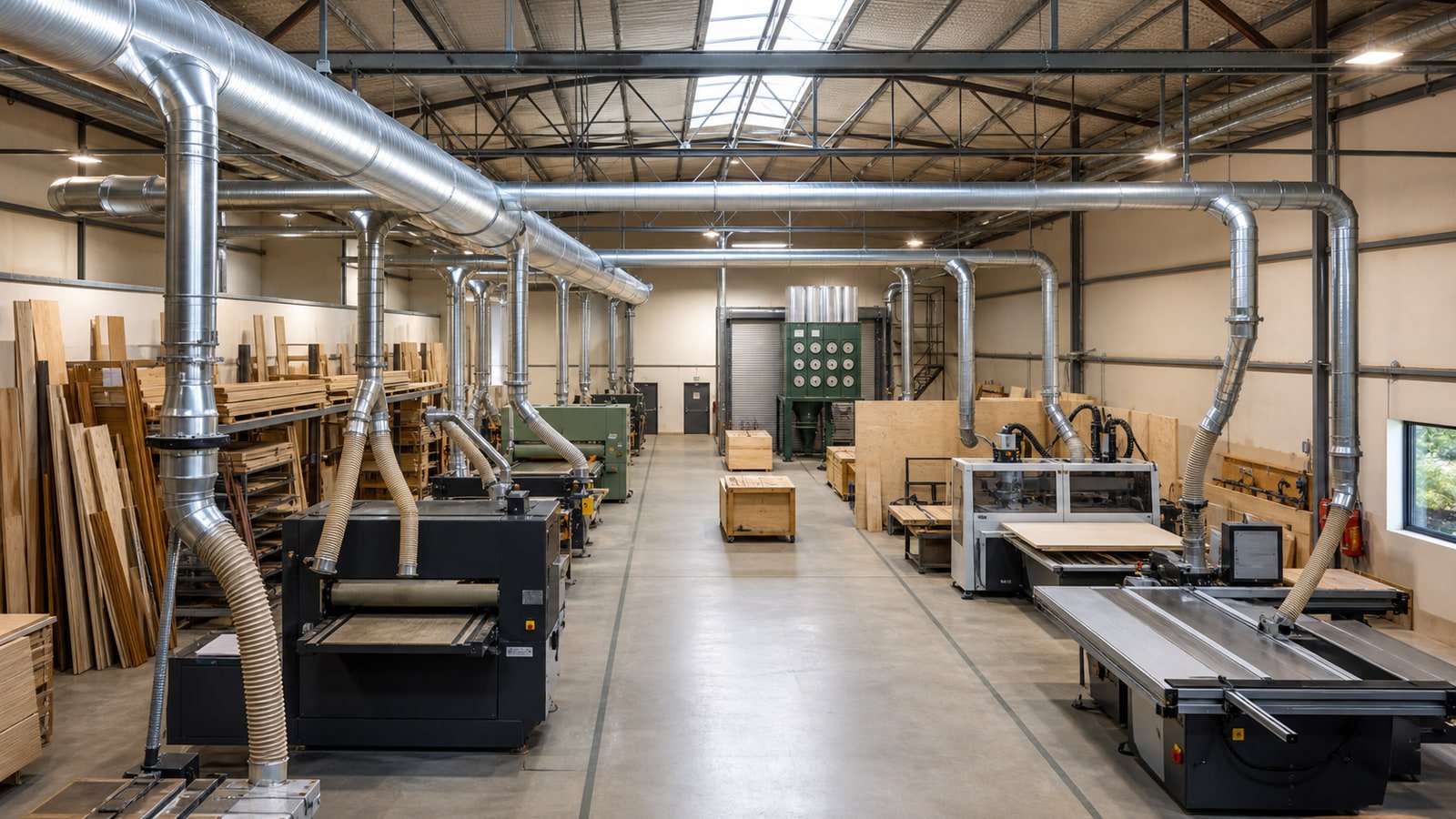
Planning Dust Collection for Multiple Woodworking Machines
Build a shop dust-collection plan around connected machines, simultaneous use, duct resistance, filtration, waste handling, facility conditions, and future changes.
Read guide